- Test the whole order journey in Arabic, not just the home page: product, cart, checkout, emails, SMS and the 404 page.
- Prices, phone numbers and order IDs must use Western digits and read left to right, with the riyal sign or SAR beside the number.
- The National Address Short Address and a +966 phone field are the two form tests that save the most failed deliveries.
- Run every test on a real iPhone and Android phone, then again inside the Snapchat, TikTok and Instagram in-app browsers.
- Log each bug with a screenshot, the device and a severity. Fix blockers before launch and the rest in the first sprint.
Your Arabic store can look perfect on the home page and still break at checkout. One flipped price or a clipped button is enough to make a Saudi shopper close the tab.
The fix is a proper QA (quality assurance) pass before launch. That means testing every screen a shopper touches, in Arabic, on the phones they actually use.
Below are 57 tests in 12 groups, each with a short note on why it matters. Tick them off as you go. For the design rules behind each test, see our RTL design guide.
How to run an RTL QA pass
An RTL (right-to-left) QA pass is a structured walk through your store in Arabic, logging anything that reads or works wrongly. It works best as a short, repeatable routine rather than a one-off click-around.
Here's the routine that catches the most bugs in the least time:
- 1
Load real Arabic content
Use your real Arabic titles, descriptions and banners. Lorem ipsum and mirrored English hide length, line-height and joining bugs.
- 2
Pick your test devices
At minimum, one iPhone with Safari and one mid-range Android phone with Chrome. Add a desktop browser for the admin-facing checks.
- 3
Walk the order journey
Home, category, search, product, cart, checkout, payment, confirmation, then the email and SMS that follow. Place a real test order.
- 4
Tick the groups below
Work through each checklist group. Screenshot every failure on the device where it happened.
- 5
Log, fix, retest
Give each bug a severity, fix blockers first and retest on the same device before you mark it done.
Test templates, not pages. If one product page passes, the others built on the same template usually do too, so spend your time on each page type and each app widget.
1. Layout and mirroring
The layout test asks one question: does the page read naturally from right to left? The logo, menu and text should start on the right, while photos and logos keep their original shape.
Most of this flips on its own once the page has the right direction attribute. The bugs hide in hard-coded positions, floating widgets and banners designed for English.
A quick way to find stray positions is to search your custom CSS for "left" and "right". Each hit is a likely bug on the Arabic side.
2. Navigation and icons
Navigation should feel like it was built in Arabic. Breadcrumbs, tabs and pagination run right to left, and any icon that points somewhere flips with them.
Icons that don't point anywhere stay as drawn. A search magnifier, a heart and a play button look the same in both languages.
3. Typography
Arabic type needs more room than Latin, and it must never be stretched apart. Clipped dots, disconnected letters and a random fallback font all tell shoppers the store wasn't made for them.
Check the tightest spots first: buttons, badges, sale tags and the menu. Those are where Arabic text clips or wraps.
Haven't picked a font yet? Compare the free options in our best Arabic web fonts guide.
4. Numerals, currency and dates
Numbers read left to right in every language, even inside Arabic text. A price that splits "249" and "SAR" across two lines, or "٢٤٩" next to "1,299" on the same page, looks like a bug and hurts trust.
Currency is the newest trap.
Saudi Arabia approved a new riyal sign in February 2025. Its Unicode code point is U+20C1, and SAMA's guidance places it to the left of the number with a space, in Arabic too.
Many fonts and phones can't draw the new glyph yet. If yours can't, the shopper sees an empty box, so show an SVG icon or the text "ر.س" or "SAR" instead. Our Saudi riyal symbol guide has the fallback code.
Eastern digits usually come from one locale setting, and our Western vs Eastern Arabic numerals guide has the one-line code fix. Hijri dates belong only on Ramadan and Eid pages, as our Hijri vs Gregorian dates guide explains.
5. Forms and inputs
Forms are where direction mistakes cost real orders. Labels and error messages follow Arabic, while the data inside a field follows the data, so phone and email fields stay left to right.
Two fields matter most in Saudi Arabia.
Since 1 January 2026, couriers can refuse or return parcels without a valid National Address. The Short Address code is the fastest way to collect one. The phone field decides whether delivery and OTP messages reach the shopper.
Mordor Intelligence expects failed first deliveries in Saudi Arabia to fall from 12–15% to about 7% under the rule. Test the field with a real Short Address, not a made-up one.
6. Product page
The product page carries the sale, and it mixes the most Arabic and Latin text. Brand names, model numbers, sizes and reviews all need to sit in the right place.
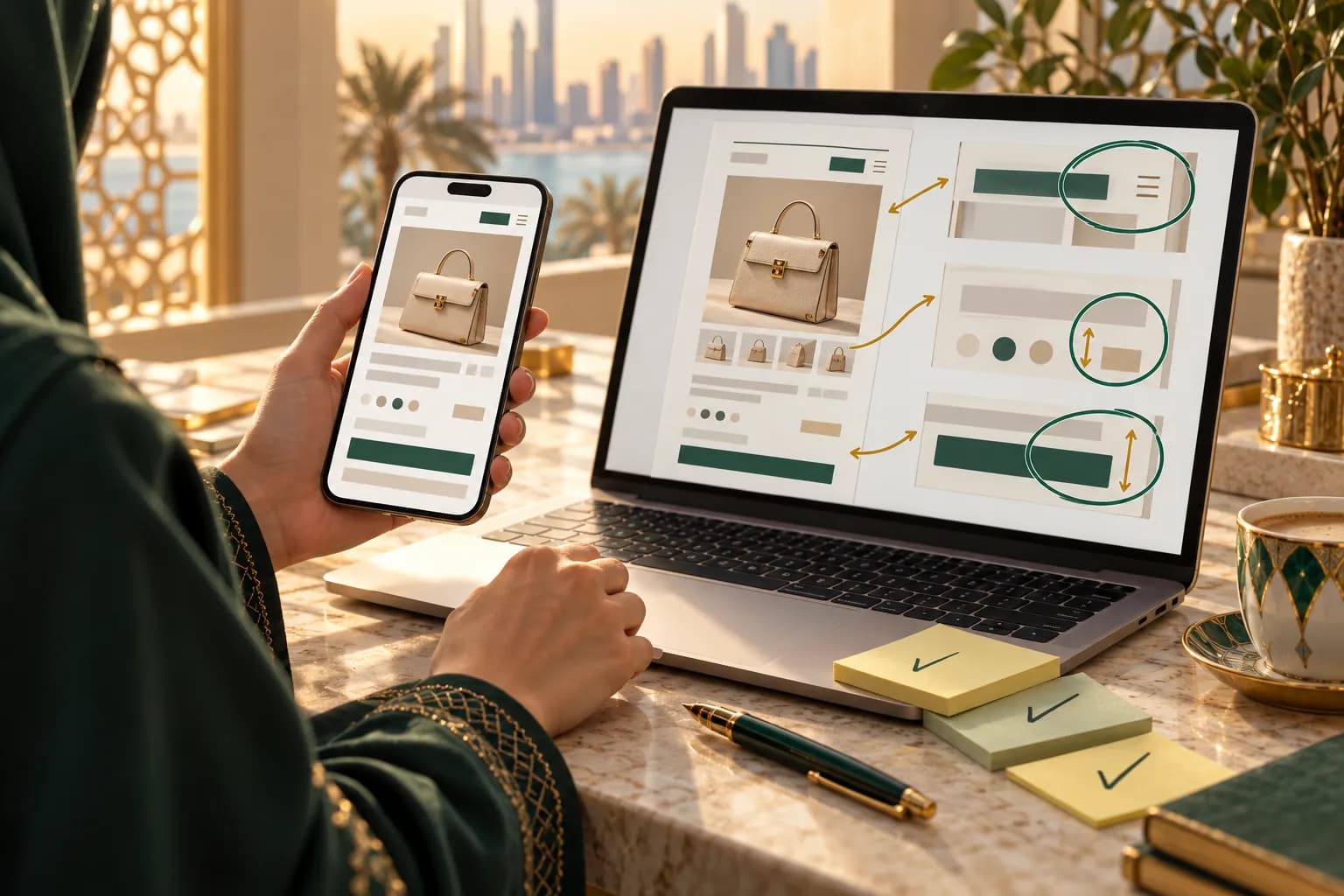
Third-party widgets are the usual culprits here. A review app or size chart can be pinned to the left even when your theme is perfect.
7. Cart and checkout
Checkout is the screen with the least room for error. Every label, payment method and total has to make sense in Arabic, or shoppers abandon.
On Shopify, a few checkout strings stay in English unless you translate them yourself. Use our Arabic Shopify checkout translation guide to find and fix them, then come back to tick these off.
8. Emails and SMS
The order doesn't end at the thank-you page. Confirmation emails, shipping updates and delivery SMS are part of the store, and they're often the last thing anyone checks.
Email clients strip or ignore some page-level settings, so direction has to be set inside the email template itself. SMS has a different trap: an Arabic message holds only 70 characters, so a long template splits into several billed parts.
9. SEO
Search engines don't care which way your layout flips. They care that each Arabic page links to its English twin and has its own Arabic title and description.
These tests take minutes in your browser's page source. Getting them wrong can show Saudi shoppers the English page in Arabic search results.
The full URL and hreflang setup is in our bilingual Arabic and English SEO guide.
10. Performance
Arabic pages are usually slower than English ones for one reason: font files. Arabic fonts carry far more glyphs, and loading every weight adds real weight on mobile data.
Run the Arabic and English product pages through the same speed test. If the Arabic one is clearly slower, fonts and untranslated app scripts are the first places to look.
11. Accessibility
Accessible Arabic pages help everyone, including shoppers using screen readers, large text or a keyboard. They also catch bugs that a visual check misses.
The key is the language attribute. When it's set to Arabic, screen readers such as VoiceOver and TalkBack switch to an Arabic voice instead of reading Arabic with an English one.
12. Testing devices and in-app browsers
Most Gulf shoppers arrive on a phone, often from a Snapchat, TikTok or Instagram ad. Those ads open your store inside the app's own browser, not Safari or Chrome.
In-app browsers behave differently. The shopper isn't logged in, saved cards may be missing, and some payment pop-ups don't open. Your checkout has to work there too.
| Device and browser | Why it matters | What to focus on |
|---|---|---|
| iPhone, Safari | The default for most Saudi and UAE shoppers | Apple Pay, font rendering, riyal sign |
| Android, Chrome | Wide reach on mid-range phones | Digit input, slower networks, font loading |
| Snapchat in-app browser | Where many ad clicks land | Login, payment pop-ups, checkout completion |
| TikTok and Instagram in-app browsers | Video-ad and influencer traffic opens here | Login, payment pop-ups, page speed |
| Desktop Chrome or Edge | About 30% of Saudi web visits | Wide layouts, hover menus, emails |
For mobile speed and thumb-friendly checkout design, see our Gulf mobile commerce guide.
How to log and prioritise RTL bugs
A bug list only helps if someone can fix it fast. Each entry needs a screenshot, the device and browser, the page and a one-line description of what's wrong.
Then give it a severity, so the team fixes the right things first:
| Severity | Example | When to fix |
|---|---|---|
| Blocker | Checkout button hidden, phone field rejects valid numbers | Before launch |
| High | Prices in Eastern digits, English strings in checkout | Before launch |
| Medium | Review widget on the wrong side, clipped badge text | First sprint after launch |
| Low | One icon not flipped on a rarely used page | Next scheduled update |
Notes for Shopify stores
- Since Shopify's 2 October 2026 update, Horizon-family themes support Arabic right to left in the storefront, checkout and customer accounts. Test on one of those, not Dawn.
- Check app widgets one by one. Reviews, upsells and chat bubbles are the most common source of left-pinned elements and Eastern digits.
- Shopify's standard checkout has no Short Address field. Relabel the second address line for it and set it to required.
- Notification emails and SMS templates are edited separately from the theme. Translate and test them on their own.
- Want a team to run the full pass and fix what fails? Our Shopify localization service covers it.
Notes for Salla and Zid stores
- Both platforms build the storefront and checkout right to left, so most layout tests pass out of the box.
- Focus your time on content: Latin brand names in titles, Western digits in product data and Arabic banner artwork.
- Test any external widgets or custom code snippets separately, because they don't inherit the platform's RTL settings.
Notes for custom and headless builds
- Add automated checks for the basics: a dir attribute on every template, no physical left or right CSS and no Arabic-Indic digits in price output.
- Keep the manual groups for the human checks: reading order, wording, clipping and the in-app browser checkout.
- Run the full checklist before each major release, not just the first launch.
A store that passes these 57 tests feels local from the first tap to the delivery SMS. That's the kind of store Gulf shoppers come back to. Browse the rest of our localization guides for the next step.
Frequently asked questions
For a store with a few templates, plan one focused day for the first full pass and half a day for each retest. Most of the time goes into checkout, emails and app widgets, not the layout itself. Big catalogues don't take much longer, because you test templates, not every product.
Sources & further reading
- Structural markup and right-to-left text in HTML — W3C Internationalization
- Arabic & Persian Layout Requirements — W3C
- Text directionality — Microsoft Learn
- Support different languages and cultures (RTL) — Android Developers
- Saudi riyal sign — Wikipedia (citing SAMA and Unicode)
- Desktop vs mobile vs tablet market share, Saudi Arabia — StatCounter
This guide is for general information only and is not legal, tax or financial advice. Rules and fees change — always confirm with the official source or a licensed advisor.

Maya is MiddleEastEcom's lead guide and editor. She researches GCC marketplaces, payments and regulations and turns them into practical playbooks for sellers.
Meet Maya