
- Set dir="rtl" on the html tag and use logical CSS (start/end, not left/right). Flexbox and grid then flip on their own.
- Mirror layout, navigation, arrows, steppers, sliders and toggles. Never mirror logos, product photos, media controls, clocks or checkmarks.
- Prices, phone numbers, SKUs and card numbers always read left to right, even inside Arabic text. Wrap mixed runs in bdi.
- Give Arabic text a line height of about 1.6–1.8, size it 1–2px larger than Latin, and set letter-spacing to 0.
- Use Western digits (1, 2, 3) for prices and order numbers, and test on a real iPhone and Android phone before launch.
An Arabic store that reads naturally from right to left feels local. One that's half-flipped feels like a translation, and shoppers notice in seconds.
The good news is that RTL (right-to-left) design follows clear rules, and most of the layout flips by itself once the page knows it's Arabic.
Your job is to handle the exceptions: what must not flip, how mixed Arabic-English text behaves, and how Arabic type needs more room. The rules below work on Shopify, Salla, Zid, WooCommerce and custom builds.
What is RTL design?
RTL design is building a page so it reads from right to left, the way Arabic does. The menu starts on the right, text aligns right, and the flow of the page runs the other way.
It's more than translation, because a translated store with a left-to-right layout makes Arabic shoppers read against the grain on every screen.
Two technical foundations do most of the work:
- Set direction in the HTML: Use
<html lang="ar" dir="rtl">on Arabic pages. Thelangattribute alone doesn't change direction, and CSSdirectionisn't the right place for it. - Use logical CSS: Write
margin-inline-startinstead ofmargin-left, andtext-align: startinstead ofleft. In Tailwind, that'sms-,me-,ps-,pe-andtext-start. One rule then works in both languages.
Flexbox and grid flip automatically with dir. Left/right floats, absolute positions, translateX and background positions don't, so those need a manual fix.
Your platform handles much of this already. If you're on Shopify, start with an RTL-ready Arabic theme before touching any code.
What should you mirror in an Arabic store?
Mirror anything that shows order or direction. If an element means "first, next or forward", it flips.
These elements flip when the page switches to Arabic:
- Page layout: The logo and menu start on the right, and the filters panel and sidebars move to the right too.
- Navigation: Breadcrumbs run right to left, and so do tabs and pagination.
- Arrows and chevrons: Back, next, "see more" and carousel arrows all point the other way.
- Progress: Checkout steps, progress bars and order-tracking steps run right to left.
- Sliders and toggles: Both run right to left, so a toggle switch is "on" when the knob sits on the left.
- Rating stars: Partial stars fill from the right side of the row.
- Drawers: The cart drawer slides in from the left, which is the end side in RTL.
- Directional icons: Reply, undo, redo, "exit" and quote marks flip.
What should you NOT mirror?
Some things keep their shape in every language. Flip them, and the store looks broken or even wrong.
| Element | Mirror in RTL? | Why |
|---|---|---|
| Logos and brand wordmarks | A brand mark is fixed artwork. Its position moves; the art doesn't. | |
| Product and model photos | Text on packaging would read backwards. | |
| Play, pause, rewind, fast-forward | Media controls show tape direction, not reading direction. | |
| Clocks, timers, refresh icons | Clocks turn clockwise everywhere. | |
| Checkmarks, plus, minus, close (X), search | Symmetrical or universal symbols. | |
| Prices, phone, order and card numbers | Digits always read left to right. | |
| Latin brand names and SKUs | They stay in Latin order inside Arabic text. | |
| Email, phone, card and IBAN inputs | Keep these fields left to right. | |
| Back and next arrows | They show direction of travel. | |
| Checkout steps and progress bars | Progress runs in reading direction. |
Numeric charts are a judgement call, and most Gulf sites keep a time axis running left to right. Pick one approach and use it across the whole store.
How do you handle icons and arrows?
Ask one question of every icon: does it point somewhere? If it does, flip it, and if it doesn't, leave it alone.
For example, a "continue to payment" button with an arrow points left in Arabic. A shopping-bag icon, a heart for the wishlist and a trash can for "remove" stay exactly as they are.
A few icons need a human decision:
- Send (paper plane): Some products flip it and others don't, so choose one and stay consistent.
- Icons held in the right hand, like a pen, stay exactly as drawn.
- Icons with text or numbers inside: Redraw them rather than mirroring the whole graphic, or the text inside reads backwards.
Most icon libraries let you add a CSS flip for RTL only, such as [dir="rtl"] .icon-arrow with transform: scaleX(-1). Apply it per icon, never to a whole icon set.
How does mixed Arabic and English text work?
Arabic product pages are full of Latin text: brand names, model numbers, sizes, emails and URLs. The browser's bidirectional (bidi) algorithm places these runs automatically, and it usually gets them right.
It slips up at the edges. Punctuation, plus signs, slashes and currency codes next to a Latin word can jump to the wrong end of the line.
For example, the title "سماعات لاسلكية X2 Pro - أسود" (wireless earbuds X2 Pro, black) can display with the dash or model number in an odd spot. The fix is to wrap the Latin run so the browser treats it as one block:
- Use
<bdi>or<span dir="ltr">around SKUs, model numbers, emails, URLs and usernames. - Use
dir="auto"on reviews, Q&A and other customer content, which can arrive in either language. - Use Unicode marks for stubborn cases in plain-text fields such as SMS templates: LRM (U+200E), RLM (U+200F) or the isolates U+2066–2069.
Prices need the same care. Wrap the whole price in <bdi>, so "SAR 249" or "249 ر.س" doesn't flip its parts around.
Arabic typography: sizes, line height and spacing
Arabic letters join, and they sit taller than Latin letters, with dots and marks above and below. Type settings copied from your English design will clip, crowd or break them.
Start with these values:
| Setting | Arabic value | Why |
|---|---|---|
| Body line height | 1.6–1.8 | Stops diacritics clipping and lines touching |
| Font size | 1–2px larger than Latin at the same visual size | Arabic looks smaller at the same pixel size |
| Letter-spacing | 0 | Tracking breaks the joins between letters |
| Uppercase and italic | None | Arabic has no case. Use weight, size or colour for emphasis |
| Text alignment | Start (right), not justify | Justified Arabic without kashida leaves gaps |
| Text colour | Solid colours | Transparent text shows artifacts where letters overlap |
Reset letter-spacing to 0 on every Arabic element that inherits it. Uppercase eyebrow labels and buttons are the usual culprits.
Give buttons a minimum width and flexible padding too. "Add to cart" becomes "أضف إلى السلة", and a fixed-width button will clip it.
Always set an Arabic font on purpose. Without one, the browser grabs a random system font for each Arabic character, and the store looks unfinished. IBM Plex Sans Arabic, Tajawal, Cairo and Noto Kufi Arabic are all free. Compare them in our best Arabic web fonts guide.
Which numerals should an Arabic store use?
Use Western digits (1, 2, 3) for prices, quantities, sizes, phone numbers and order IDs. Shoppers type Western digits into search and forms, and the big regional marketplaces display them.
Arabic-Indic digits (١، ٢، ٣) are still used in Saudi Arabia, especially in formal and editorial text. You can use them in articles or Hijri dates if you like. Just never mix the two systems on one page.
Here's the trap. Code that formats numbers with the ar-SA locale outputs Arabic-Indic digits by default, so "1,299" turns into "١٬٢٩٩". Tell your developer to use ar-SA-u-nu-latn, which forces Western digits.
Try both styles on a real price below.
GCC price localizer
Turn one base price into six shelf prices, with VAT, local rounding and Arabic display
Markup is applied, then local VAT is added on top.
Consumer prices in KSA and the UAE are expected to include VAT.
Optional % added to the net price per market (e.g. to cover duty, shipping or BNPL fees).
Prices ending in 9 (SAR 99, 149, 199; AED 49, 99) dominate on noon, Amazon.sa and Shein (observation). For 3-decimal currencies this gives x.x90 endings.
- SARSaudi Arabia1 USD = 3.7515%SAR 209.00incl. 27.26 VAT-1.1% vs exact209.00 ر.س
- AEDUAE1 USD = 3.67255%AED 189.00incl. 9.00 VAT189.00 د.إ
- QARQatar1 USD = 3.64No VATQAR 179.00No VAT+0.4% vs exact179.00 ر.ق
- KWDKuwait1 USD = 0.31≈ approx.No VATKWD 15.190No VAT15.190 د.ك
- BHDBahrain1 USD = 0.37610%BHD 20.290incl. 1.845 VAT+0.1% vs exact20.290 د.ب
- OMROman1 USD = 0.38455%OMR 19.790incl. 0.942 VAT19.790 ر.ع
Your font supports the new Saudi riyal sign (U+20C1), so SAR prices use it. SAMA guidance puts the riyal sign to the left of the number, with a space, in every language. The text abbreviation ر.س is usually written after the number in Arabic.
KWD is pegged to an undisclosed basket, so its rate moves slightly. ≈0.31 per USD is an approximation; review it quarterly.
Estimates based on published pegs and VAT rates as of Oct 2026. Rounding norms are market observations. Confirm VAT display rules with ZATCA / the FTA and your payment provider's currency rules.
Store and validate numbers as plain Western digits, too. Some phone keyboards send Arabic-Indic digits into phone and OTP fields, so convert them before you validate.
For the full numerals decision, read our Western vs Eastern Arabic numerals guide.
Forms and checkout in RTL
Checkout is where a broken RTL layout costs you orders. Labels, error messages and buttons follow Arabic direction, while data fields follow the data inside them:
- Left-to-right fields: Phone, email, card number, IBAN, OTP and the Saudi National Address short code stay
dir="ltr", with the label in Arabic. - Arabic fields: Name, street, district and delivery notes use
dir="auto", so either language types naturally. - Phone numbers: Prefill the country code (+966 or +971) and accept numbers with or without the leading zero.
- Error messages: Place them under the field, aligned to the start (right) side, written in Arabic.
- Date pickers: Flip the month arrows, show Gregorian dates by default and add Hijri where it helps.
- Steppers: The quantity stepper puts minus and plus in mirrored positions, while the number itself reads normally.
Since January 2026, Saudi parcels need a National Address, so give it a clear field of its own. A correct address prevents more failed deliveries than any design tweak.
Design mobile-first, in Arabic first
About two-thirds of Saudi web traffic comes from phones, so your Arabic store is mostly a phone store. Design the Arabic mobile screens first, then adapt them to desktop and English.
On phones, a few RTL details matter most:
- Thumb reach: The main menu icon usually sits top right. Keep key actions like "add to cart" in a sticky bar at the bottom.
- Swipe direction: In an RTL carousel, the next image arrives with a swipe from left to right. Older slider setups often need an explicit RTL setting.
- Floating buttons: WhatsApp, chat and cookie banners should sit on the correct side and not cover the checkout button.
- Text length: Arabic menu labels can wrap onto two lines, so test the header on a narrow 375px screen.
Your Arabic mobile commerce guide covers mobile checkout and speed in depth.
Worked example: one product card, LTR to RTL
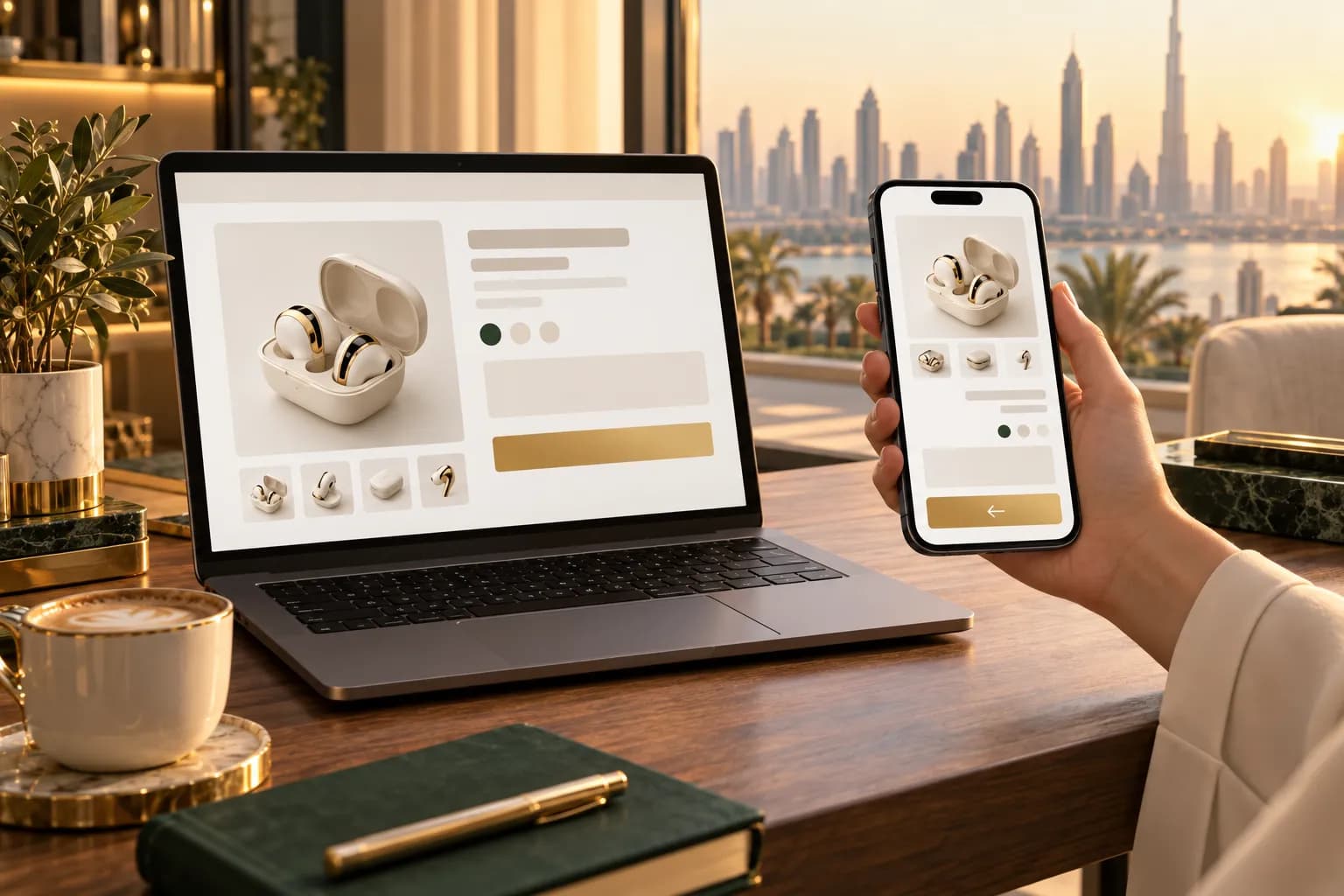
Take a typical card for a pair of wireless earbuds. In English it reads, from left to right: the photo, then "Wireless Earbuds X2 Pro", then "SAR 249", then a gold "Add to cart" button with an arrow.
Here's the same card done right in Arabic:
- 1
Flip the card order
In the product grid, the first card now sits on the right. Inside each card, the text block aligns right. The photo itself stays unflipped.
- 2
Isolate the Latin model name
The title becomes سماعات لاسلكية X2 Pro. Wrap the Latin run in bdi so the model name stays in one piece.
- 3
Fix the price
Show 249 ر.س or SAR 249 in Western digits, wrapped in bdi. Check that no ar-SA formatting has turned it into ٢٤٩.
- 4
Resize the type
Set the Arabic title 1–2px larger than the English one, with letter-spacing 0 and line height 1.6. Check no diacritic is clipped.
- 5
Flip the arrow, widen the button
The button reads أضف إلى السلة with the arrow pointing left. Give it a minimum width so the longer Arabic text fits on one line.
Five small changes, and the card feels like it was designed in Riyadh.
How do you test an RTL store before launch?
Test with real Arabic content on real phones. Lorem ipsum and mirrored English hide most of the bugs, because Arabic text has its own length, height and joining behaviour.
For a deeper, template-by-template audit, use our RTL QA checklist for Arabic storefronts.
Common RTL bugs and how to fix them
Most RTL bugs come from the same handful of causes, and each one has a quick fix.
| Bug | Cause | Fix |
|---|---|---|
| Disconnected Arabic letters | Letter-spacing inherited from English styles | Set letter-spacing: 0 for Arabic |
| Review widget or chat bubble on the wrong side | App hard-coded to left | Use the app's RTL setting, or override with logical CSS |
| Carousel arrows reversed or swipe feels backwards | Slider not set to RTL | Turn on the slider's RTL option |
| Clipped dots above or below letters | Tight line height or fixed-height badges | Raise line height, use padding instead of fixed heights |
Notes for Shopify stores
- Since Shopify's 2 October 2026 update, its free Horizon-family themes display Arabic right to left, along with checkout and customer accounts. Dawn still has no native RTL, so don't build an Arabic store on it.
- For a premium look, the Theme Store's right-to-left filter tags 24 paid themes. Compare them in our Arabic Shopify themes guide.
- Check that
theme.liquidoutputsdir="rtl"when the locale is Arabic. Most RTL themes do this already. - App widgets and custom scripts are the usual source of Eastern digits and left-pinned elements.
- For translation, checkout and launch steps, follow our Arabic Shopify store guide.
Notes for Salla and Zid stores
- Both are Arabic-first. The storefront, checkout and notifications are built RTL, so the layout basics are done for you.
- Your RTL work is mostly content: Latin brand names in titles, Western digits in product data and correctly sized banner text.
- Banners and promo images carry the most risk. Design Arabic versions with the text on the right, rather than reusing English artwork.
Notes for WooCommerce and custom builds
- WordPress flips the admin and RTL-ready themes when the site language is Arabic. Many themes load a separate
rtl.cssfile, so check that yours ships one. - Translation plugins such as WPML, Polylang and TranslatePress handle language. Direction still depends on the theme and each plugin.
- On custom or headless builds, write logical CSS from day one. Retrofitting a left/right codebase takes far longer than building it bidirectional.
RTL design is the base layer of a store Gulf shoppers trust. Get it right once, and every product, campaign and season after that looks local.
Frequently asked questions
No. A scaleX(-1) flip mirrors everything, including product photos, logos and the letters themselves, so text becomes unreadable. Set the direction in the HTML and let logical CSS move the layout. Then flip only the icons that point somewhere.
Sources & further reading
- Structural markup and right-to-left text in HTML — W3C Internationalization
- Arabic & Persian Layout Requirements — W3C
- CSS logical properties and values — MDN Web Docs
- Text directionality — Microsoft Learn
- RTL Styling 101 — Ahmad Shadeed
- Admin now supports 3 new languages (RTL update, 2 Oct 2026) — Shopify Changelog
- Desktop vs mobile vs tablet market share, Saudi Arabia — StatCounter
This guide is for general information only and is not legal, tax or financial advice. Rules and fees change — always confirm with the official source or a licensed advisor.

Maya is MiddleEastEcom's lead guide and editor. She researches GCC marketplaces, payments and regulations and turns them into practical playbooks for sellers.
Meet Maya