
- Use Shopify Markets with a custom domain and subfolders like /ar-sa/ and /ar-ae/. Shopify then writes hreflang tags and per-language sitemaps for you.
- Rewrite every SEO field in Translate & Adapt with a native Gulf speaker. Auto-translation is only a first draft.
- Arabic handles become long percent-encoded strings when shared, so most Gulf stores keep English handles.
- Since 2 October 2026, Horizon themes, checkout and customer accounts render right to left. Dawn still doesn't.
- Turn off forced geo-redirects and publish Arabic only once it's fully translated.
Shopify is one of the easiest platforms for Arabic SEO. Add Arabic and a market, and it builds the Arabic URLs, the hreflang tags and the sitemaps for you.
What it can't do is write good Arabic. Rankings come from the parts only you can fill in: titles, descriptions, handles, collection copy and alt text.
That's a big opportunity. Only a small share of the web is in Arabic, so a Shopify store with real Arabic pages can outrank much bigger brands in Saudi and UAE search.
What does Shopify do for Arabic SEO, and what's left to you?
Shopify handles the technical plumbing. You handle the words.
| Shopify does it | You do it |
|---|---|
| Arabic subfolders such as /ar-sa/ | Choose markets and a custom domain |
| Hreflang tags on every page | Check them and remove duplicates |
| A sitemap per language | Submit each one to Search Console |
| Right-to-left layout on Horizon themes | Test the theme on a phone |
| Machine-translated first drafts | Rewrite titles, metas, handles and alt text |
The strategy behind it, from URL choices to keyword maps per country, is in our bilingual SEO guide. This page sticks to Shopify's screens.
Step 1: Set up Markets, a custom domain and Arabic subfolders
Arabic SEO on Shopify starts in Shopify Markets, where each market gets its own language, currency and URL.
You need a custom domain first, because international domains don't work on a myshopify.com address. Then open Settings > Domains and choose subfolders. Shopify names them by language and country:
- Saudi Arabia: /ar-sa/ and /en-sa/
- UAE: /ar-ae/ and /en-ae/
- Primary market: language-only folders such as /ar/, or no folder at all
Plan your markets before launch. Deleting a market later turns all its URLs into 404s.
Step 2: Add Arabic and translate with Translate & Adapt
Go to Settings > Languages, add Arabic and assign it to your Saudi and UAE markets. Keep it unpublished until the translation is done.
Then open Translate & Adapt, Shopify's free translation app, which auto-translates up to 2 languages. That gives you a draft in minutes. For SEO, have a native Gulf speaker rewrite these fields:
- Product and collection titles
- SEO titles and meta descriptions
- URL handles
- Image alt text
- Navigation menus and filter labels
Your checkout needs its own pass, because Arabic isn't one of Shopify's 33 pre-translated checkout languages. Our Arabic checkout translation guide walks through it.
Step 3: Check the hreflang tags Shopify writes
Shopify adds hreflang tags automatically for every published language in every market. They tell Google to show the ar-SA page to Saudi Arabic searchers and the ar-AE page to Emirati ones.
You don't write them, but you should check them. Open any product page, view the source and search for hreflang. You should see one tag per market and language, such as ar-SA pointing to /ar-sa/products/oud-perfume, plus one x-default.
Look for two problems: a second set of tags from an old app or theme snippet, and invalid codes like ar-KSA, which Google ignores. The full rules live in our hreflang guide.
Step 4: Choose Arabic or English URL handles
A handle is the last part of a Shopify URL, such as oud-perfume. Translate & Adapt lets you translate it, so the Arabic page could end in عطر-عود instead.
The catch? The /products/ and /collections/ parts always stay English, and Arabic letters travel badly. Browsers show them nicely, but WhatsApp, email and analytics reports show them percent-encoded, with each letter turned into a code.
Worked example: one oud perfume, two handle styles
| Handle style | What shoppers see when it's shared | Handle length |
|---|---|---|
| English | /ar-sa/products/oud-perfume | 11 characters |
| Arabic | /ar-sa/products/%D8%B9%D8%B7%D8%B1-%D8%B9%D9%88%D8%AF | 37 characters |
The Arabic handle عطر-عود is 7 characters, but it's 37 once encoded. Each Arabic letter becomes 6 characters, so عطر-عود-كمبودي-50-مل grows from 20 to 90.
Google reads both styles fine, and the keyword boost from a handle is small. So most Gulf stores keep English handles on Arabic pages.
Pick one style before launch. Every handle you change later needs a 301 redirect in Content > Menus > URL redirects.
Step 5: Write Arabic meta titles and descriptions
Every product, collection, page and blog post has an "SEO title" and "SEO description" in Translate & Adapt. Leave them blank and Shopify falls back to the product title and the first lines of the description.
A good Arabic SEO title follows a simple pattern:
- Keyword first: the exact Arabic term, such as عطر عود رجالي
- One buying detail: size, origin or price point
- Brand last, if space allows
Check each one in a SERP preview tool, because Google cuts titles by pixel width, not character count.
For example, عطر عود كمبودي 50 مل | توصيل سريع للرياض beats a translated Cambodian Oud Perfume 50ml – Brand Name. It uses the Saudi search term and promises something local.
Step 6: Optimise collection and product pages in Arabic
Arabic searches for products mostly land on category pages, which on Shopify means collections.
Give every important collection:
- An Arabic title matching the main search term, such as عطور رجالية
- A short Arabic intro that helps shoppers choose, above or below the grid
- Translated filter labels and product option values
Products need the same care, specs and size guides included. English specs under an Arabic title look half-finished to shoppers and to Google.
Write alt text in Arabic too, describing the image plainly: زجاجة عطر عود كمبودي 50 مل بغطاء ذهبي. Translate & Adapt lists alt text with each product's media.
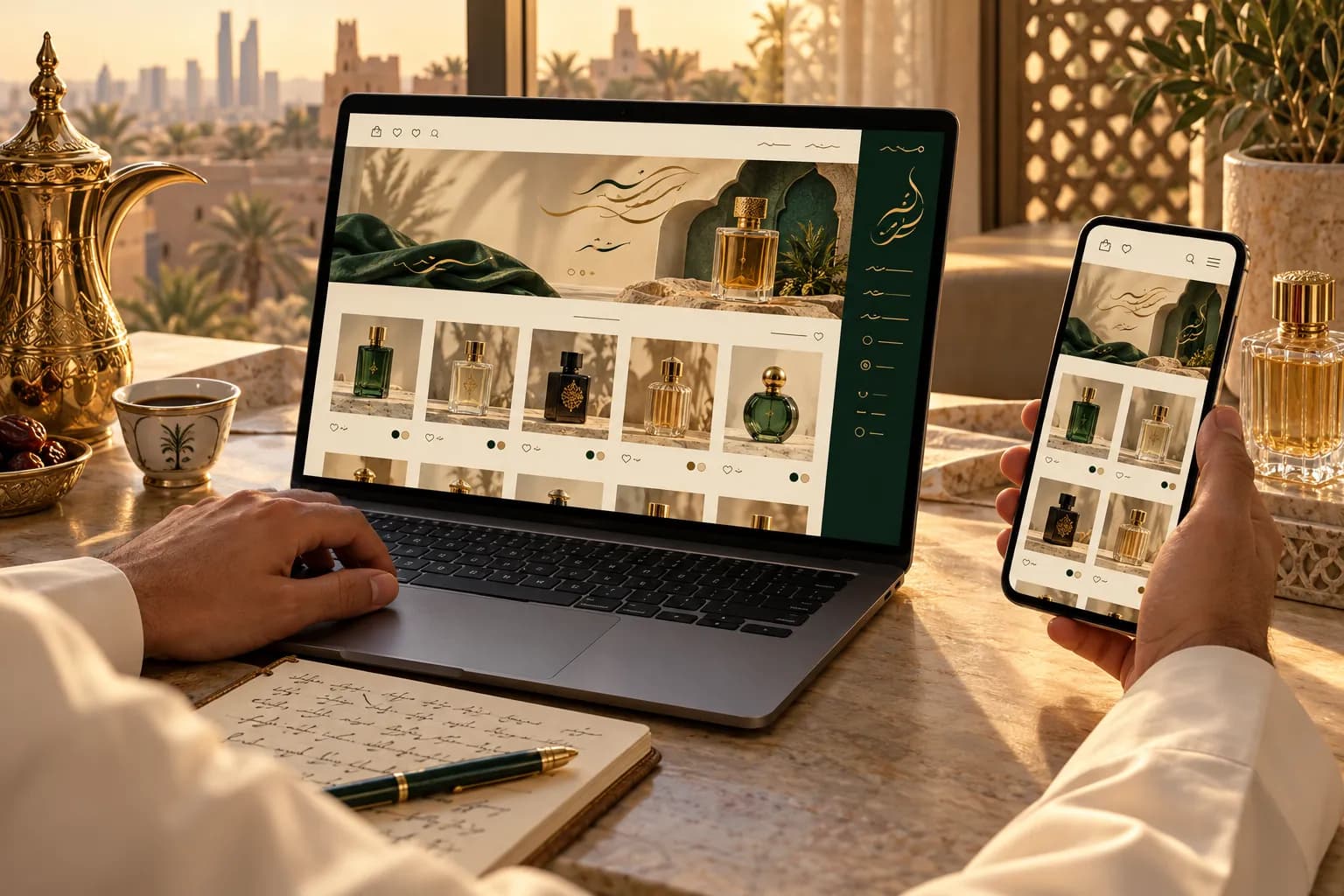
Finally, check your Product schema: view the page source and confirm the Arabic page's JSON-LD shows the Arabic product name and the market's currency, such as SAR.
Step 7: Submit each sitemap to Search Console
Shopify builds a sitemap for every language folder. Your Saudi Arabic one sits at yourstore.com/ar-sa/sitemap.xml.
Verify your domain in Google Search Console, then submit the main sitemap plus one for each subfolder. The bilingual SEO guide shows how to track each locale from there.
Common Shopify Arabic SEO mistakes
Most Arabic ranking problems on Shopify come from a handful of setup errors:
- Publishing Arabic half-translated. Shopify adds hreflang the moment Arabic goes live, so English pages under /ar-sa/ get indexed as "Arabic".
- Forced geo-redirect apps. Googlebot crawls mostly from the US, so these apps can hide your Arabic pages. Use a language banner instead.
- A theme without real RTL. Since 2 October 2026, Horizon themes render right to left, along with checkout and customer accounts, but Dawn still doesn't. See Arabic Shopify themes.
- Hard-coded links in custom themes. Build internal links with Shopify's
routesobject, or Arabic pages link back to English ones. - Untranslatable tags in navigation. Shopify tags can't be translated, so menus built on tag filters stay English. Use collections instead.
- Heavy Arabic fonts. Load one font family with two or three weights to keep pages fast.
Shopify Arabic SEO checklist
Notes for Saudi-only stores
- Make Saudi Arabia your primary market and Arabic its default language. Arabic then sits at the root or /ar/, with English in /en/.
- Write for Saudi search terms first. Other Gulf wording can wait until you add those markets.
Notes for UAE stores
- English often leads in the UAE, so keep it as the UAE market's default and Arabic as the second language.
- Use Translate & Adapt's per-market adaptations if your ar-AE pages need different wording from ar-SA.
- Run separate Merchant Center feeds for Arabic and English, because Google expects the landing page to match the feed language.
Notes for large catalogues
- Bulk-edit handles and SEO fields with the translations CSV export in Settings > Languages, rather than one by one.
- If you'd rather hand it over, our Arabic SEO services cover Shopify, Salla and Zid. More Saudi strategy lives in the SEO hub.
Frequently asked questions
No. Markets, Translate & Adapt and the built-in SEO fields cover the essentials for free. Apps help with bulk meta writing, image compression or schema extras. They can't fix untranslated content, which is the main thing holding most Arabic stores back.
Sources & further reading
- Managing international domains — Shopify Help Center
- Requirements for selling in multiple languages — Shopify Help Center
- Admin now available in 3 new languages (RTL support) — Shopify Changelog, 2 Oct 2026
- Translate & Adapt — Shopify App Store
- Localized versions of your pages (hreflang) — Google Search Central
- URL structure best practices — Google Search Central
- Search engine market share, Saudi Arabia and UAE — StatCounter, Sep 2026
This guide is for general information only and is not legal, tax or financial advice. Rules and fees change — always confirm with the official source or a licensed advisor.

Maya is MiddleEastEcom's lead guide and editor. She researches GCC marketplaces, payments and regulations and turns them into practical playbooks for sellers.
Meet Maya